Light Blue 2026.2 available now
We’re excited to announce the release of Light Blue 2026.2, available now as a free upgrade for all subscribers.
This release introduces new ways to respond to enquiries faster, tailor the booking experience to your clients, and communicate with greater confidence. From automatic text message responses that help you make a great first impression, to more flexible proposals that adapt the booking process to each package, Light Blue 2026.2 focuses on making everyday tasks easier, while also adding useful features such as Undo Send and support for exporting e-invoices.
We’ve packed a lot of smaller improvements into this release as well: a complete list of features and improvements are in the release notes.
Give new enquiries an immediate response
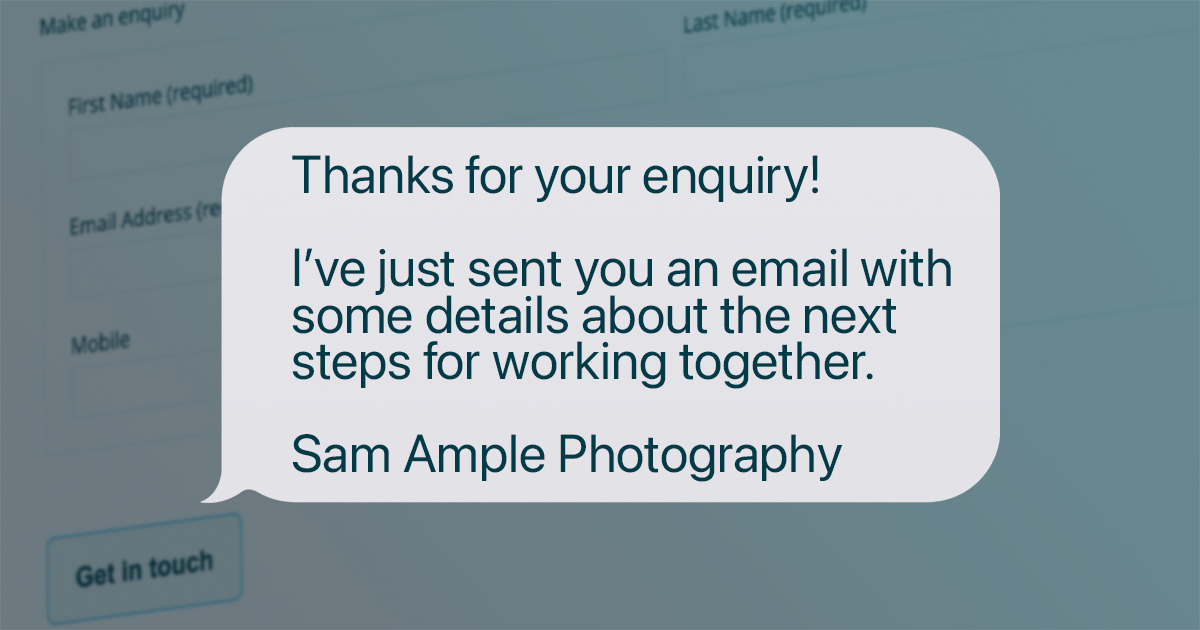
When someone gets in touch, a quick response can make a great first impression, without adding another task to your list. Light Blue’s contact forms can now automatically send a text message as well as an email as soon as a form is submitted. You might use the email for all the useful details, links and next steps, then send a short, friendly text to let them know you’ve replied and to look out for your email.
We’ve added the same options to our Zapier action for sending new enquiries to Light Blue, so you can automatically send an email, a text message, or both when leads arrive from third-party services such as Squarespace forms or Meta lead forms.
Whether you’re handling enquiries yourself or sharing them across a team, every lead can get a prompt, consistent response without anyone having to remember to send it.
“Undo Send” gives you a second chance to catch mistakes before a message goes out
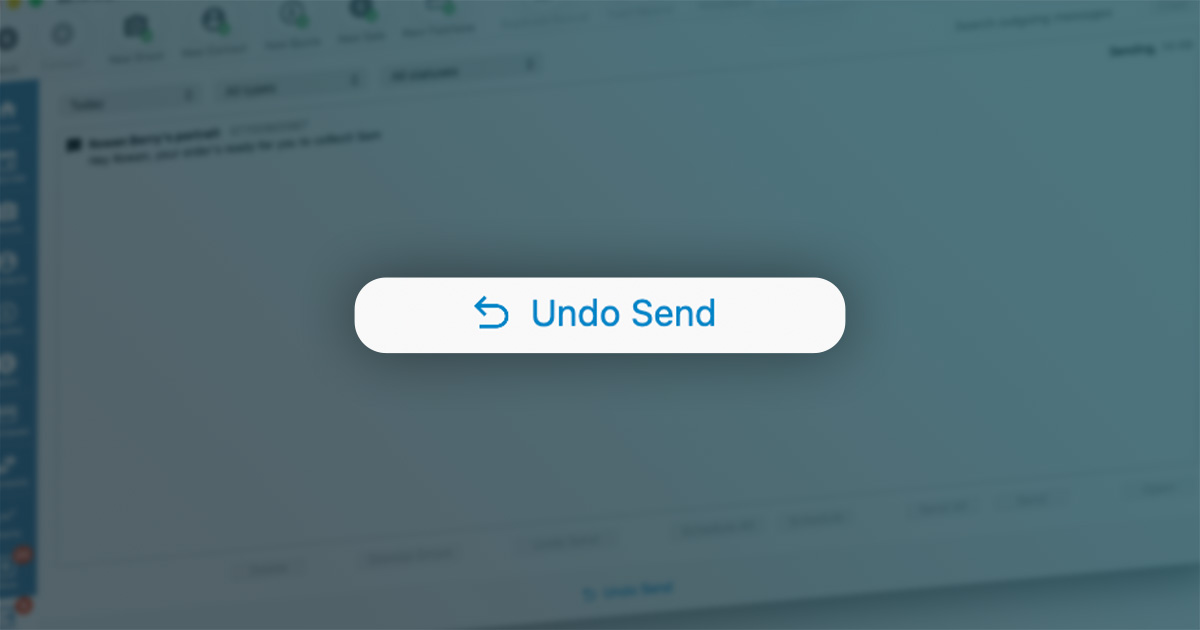
When enabled, Light Blue can hold emails and text messages in the Outbox for 10, 30 or 60 seconds before sending them. Spot a typo, realise you’ve attached the wrong thing, or simply have second thoughts? Just head to your Outbox and stop the message before it’s sent. It’s a small safety net that can take some of the stress out of client communication, especially when you’re working through a busy inbox. “Undo Send” applies to emails and texts you send manually; scheduled messages and messages sent automatically by workflows aren’t delayed.
Text message history
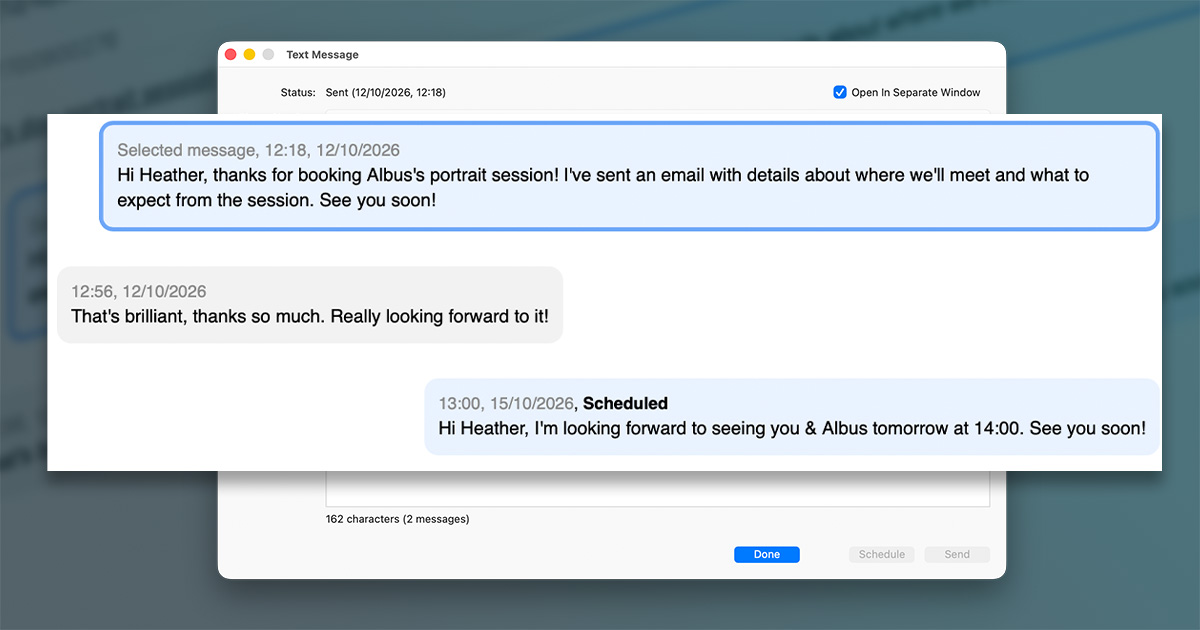
Light Blue’s dedicated phone number service allows you to have two-way text message conversations with your clients, with the full message history shown in the Activity panel for your shoot or contact. Now, when you’re responding to your clients’ text messages, the new text message window shows previous and scheduled messages in a chat view that shows you the full conversation at a glance.
Tailor your booking process for each package
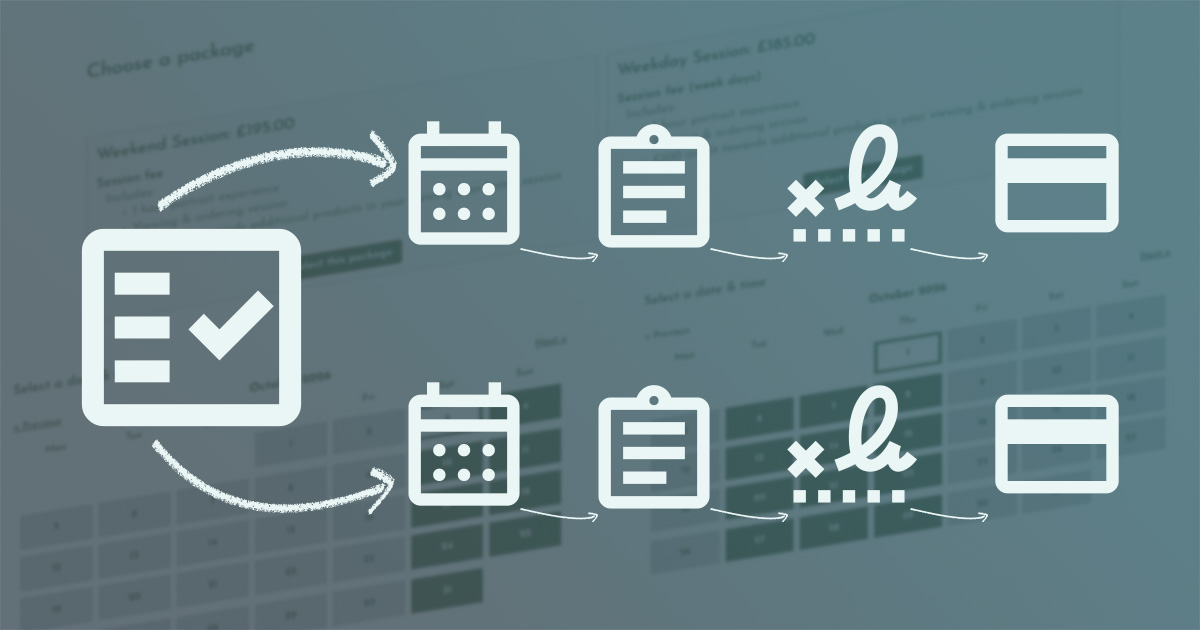
Proposals make it easy for your clients to choose what they’d like to book and then take care of the next steps online. We’ve made them more flexible by letting you set different scheduling calendars, booking forms, contracts and booking fees for individual packages. Set everything up in advance, and once your client chooses their package, Light Blue can take them through the right booking process without you needing to intervene.
That opens up lots of useful possibilities. You could offer weekday and weekend packages that lead to different availability calendars and have different booking fees, for example. Or, for mini sessions, a package for a larger group could automatically offer longer appointment times and use a booking form that asks for more information. Your clients simply choose the package that suits them, and Light Blue takes care of sending them through the appropriate next steps.
Export e-invoices from Light Blue that comply with EN 16931
Light Blue can now export electronic invoices that comply with the EN 16931 e-invoicing standard, helping photographers meet e-invoicing requirements in many countries. These invoices can either be sent directly to your client or uploaded to an e-invoicing network, depending on the requirements in your country.
An e-invoice combines a PDF invoice with a machine-readable XML version of the same information, allowing invoices to be processed as part of a fully digital workflow. E-invoicing is becoming a requirement in some countries, particularly in the European Union, for certain business-to-business (B2B) and business-to-government (B2G) transactions. These requirements generally don’t apply to business-to-consumer (B2C) work, such as most wedding and portrait photography, but you should check the specific requirements that apply in your country.
And much more…
Our updates always include lots of improvements, and you can discover them in the Light Blue 2026.2 release notes.
Available now
Light Blue 2026.2 is available today as a free upgrade for all subscribers.
Related
- Light Blue 2026.2 release notes
- Light Blue compatibility with macOS 27 Golden Gate and iOS 27
- E-invoice export is now available in Light Blue
- Light Blue 2026.1.3 release notes
- Light Blue 2026.1.2 release notes
- Light Blue 2026.1.1 release notes
- Light Blue 2026.1 is here!
- Light Blue 2026.1 release notes
- Light Blue 2025.1.1 release notes
- Light Blue compatibility with macOS 26 Tahoe and iOS 26