What's new in v2?
For a list of some of the major new features in version 2, have a look at our news item.
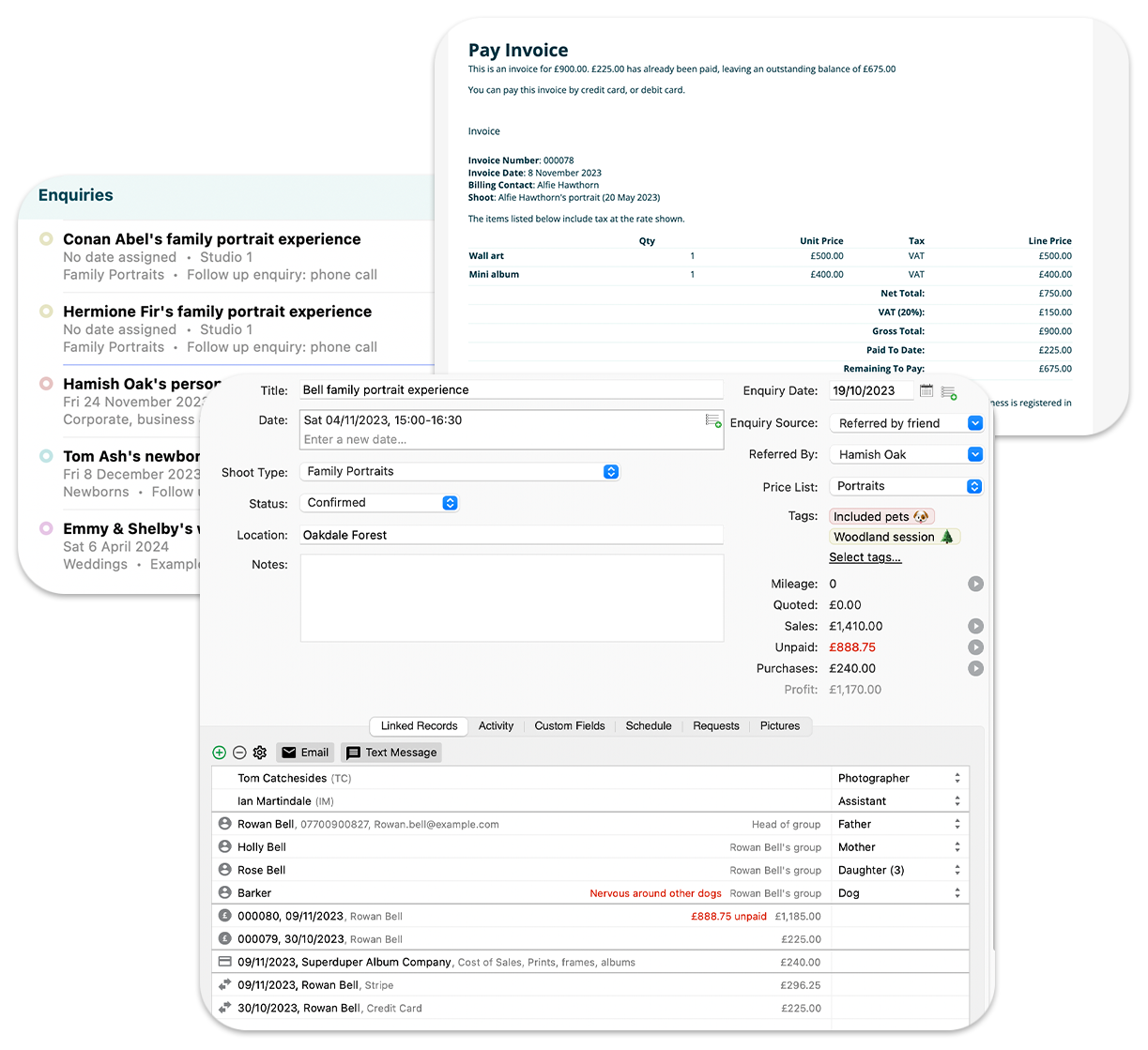
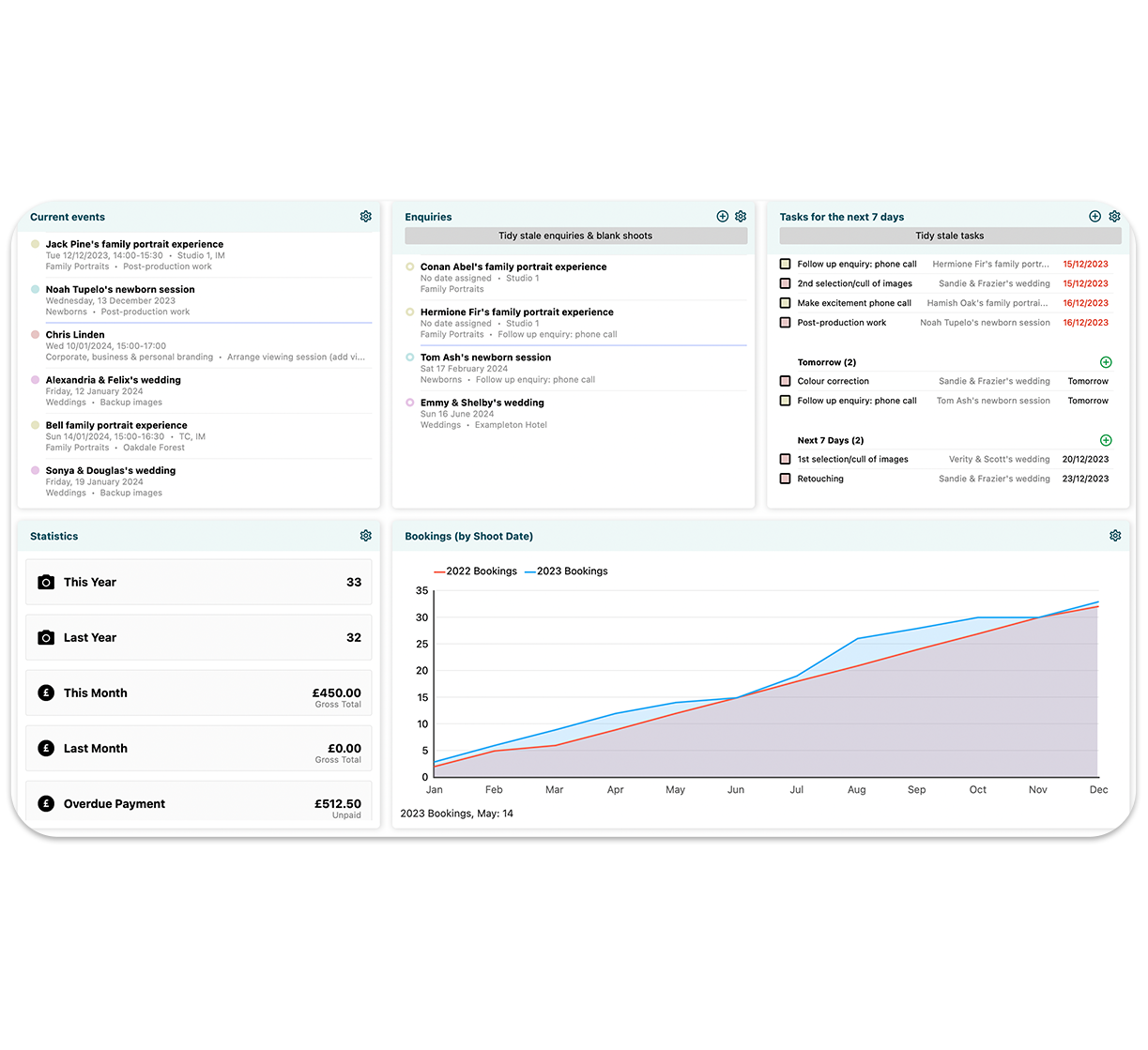
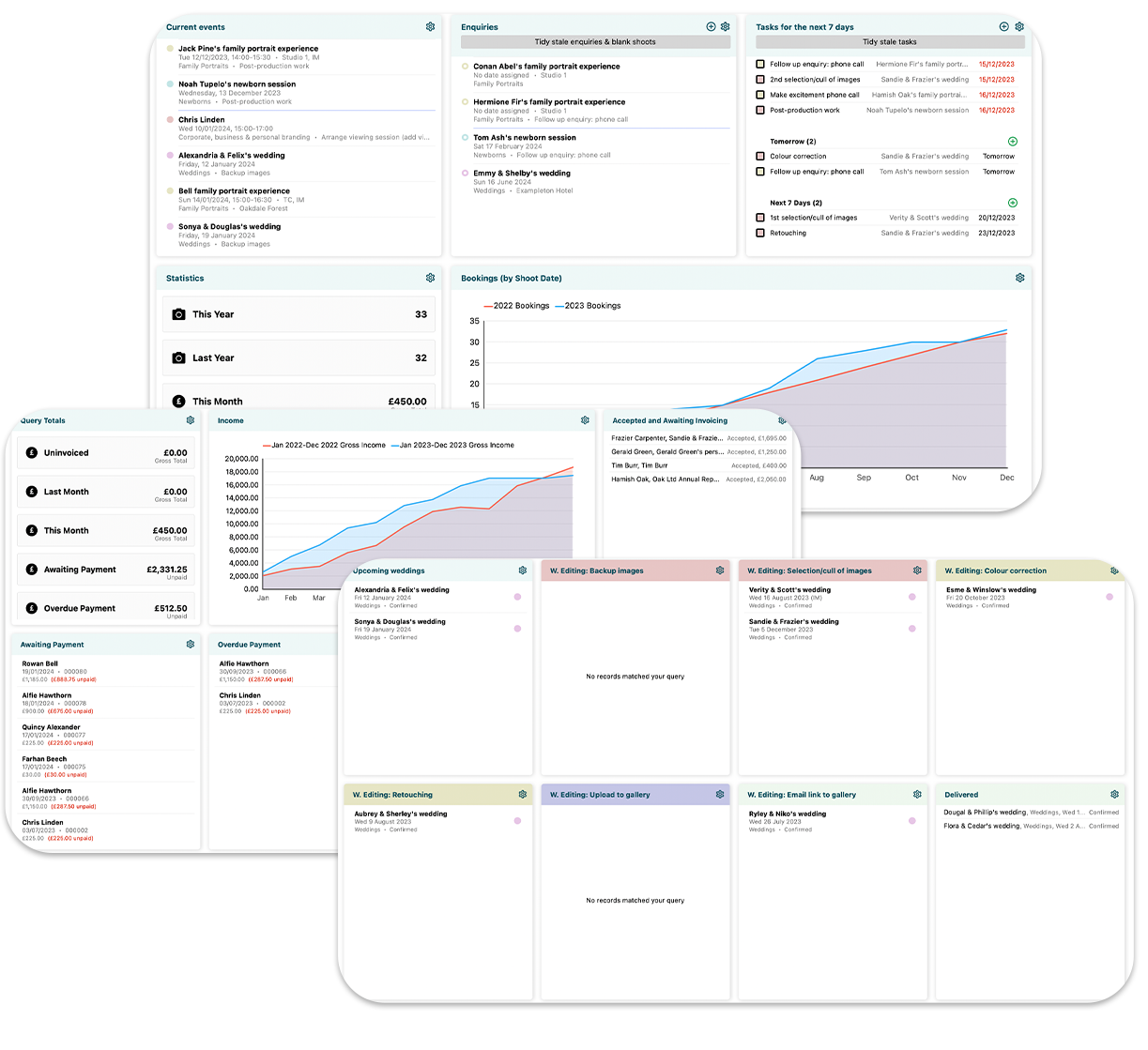
Track enquiries, bookings and shoots
Diaries get messy, spreadsheets are complicated. Light Blue: Photo makes it simple to check your availability and plan your work. If you're using Mac OS X Leopard or Snow Leopard, you can sync shoots, meetings and tasks with iCal (and from there with your iPhone or iPod Touch) and take them with you. Alternatively, publish your bookings to Google Calendar, then sync with mobile devices like the BlackBerry, or other calendars, like Outlook. Read more
- Always know what you're doing – keep track of your enquiries and meetings with clients.
- View your enquiries, confirmed shoots, meetings and to-do items in a week- or month-to-view calendar layout, so you can easily see your availability and plan your work.
- Sync shoots, meetings and to-do items with iCal, then take them with you on your iPhone or iPod Touch, so that you can check your availability on the go. (Requires Mac OS X Leopard or Snow Leopard.)
- Publish shoots to Google Calendar, then sync with mobile devices like the BlackBerry, or other calendars, like Outlook.
- Some shoots are simple, others (like weddings and corporate shoots) need careful planning. Keep a note of shoot schedules and your clients' requests, and print copies to take with you on the day.
- Quickly see where you're going for a shoot - jump straight to its location in Google Maps from Light Blue: Photo.
- Enter data once and once only - shoots, contacts and orders can all be linked together. Has a contact changed address? No problem. Update it in one place, and it'll change wherever it appears.
- Keep tabs on exactly what you need to do and when you need to do it, using your own workflows.
Be personal
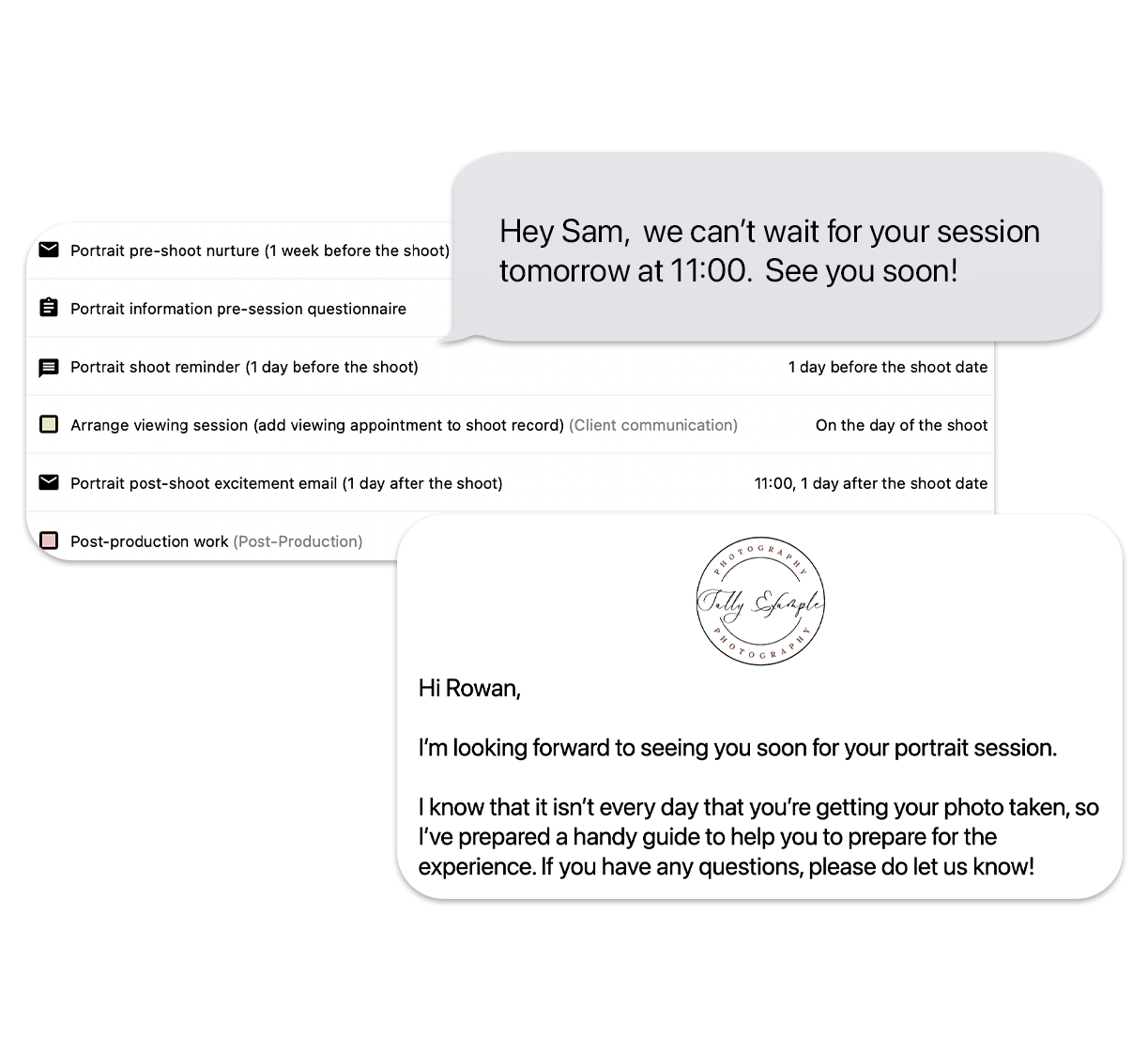
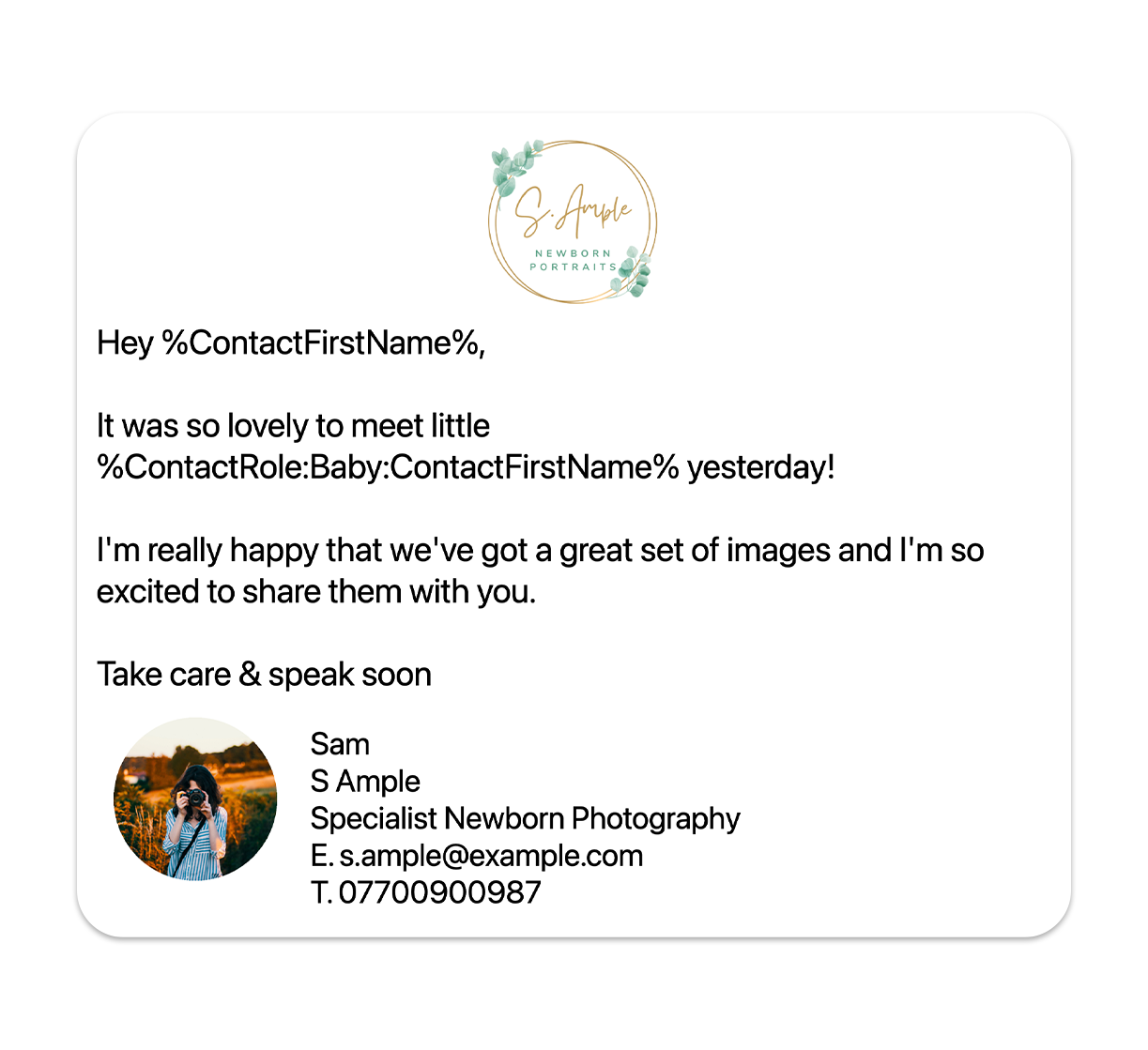
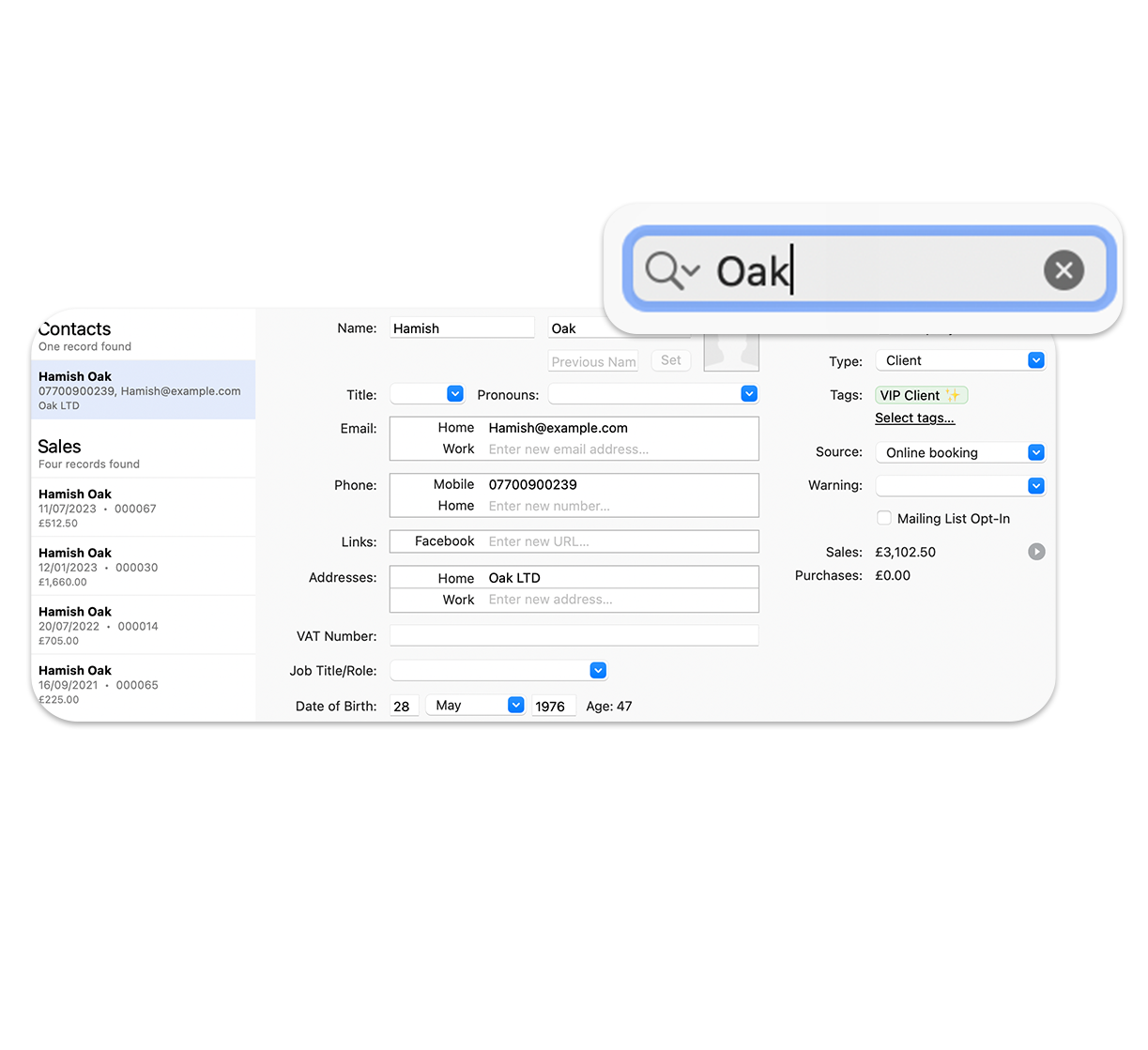
Treating your clients as individuals makes all the difference. With Light Blue: Photo, you can create personalized communications, including single or mass emails and documents from templates. This means you can easily record all of your dealings with your clients, and access them at the touch of a button. Read more
- Find information quickly and easily - record each of your contacts' details on a neat, fully-searchable screen.
- Save entering things more than once - share addresses between contacts, and have multiple addresses for each contact.
- Avoid fiddling about with margins and paper sizes: print envelopes or labels for contacts at the click of a button.
- Know exactly what you've said to your client (and what they've said to you) - record all of your dealings with them and refer back to it when you need.
- Send personalized HTML or text-only emails to individual clients or to multiple recipients on your mailing list.
- Store your commonly used brochures, letters and forms and emails within Light Blue: Photo, then create personalized versions without having to copy and paste data. You can also import any type of file created outside Light Blue: Photo with just a couple of clicks, to make sure that all the relevant information is the right place.
- We can import your existing contacts and shoots into Light Blue: Photo - contact us for more details.
Handle your finances with ease
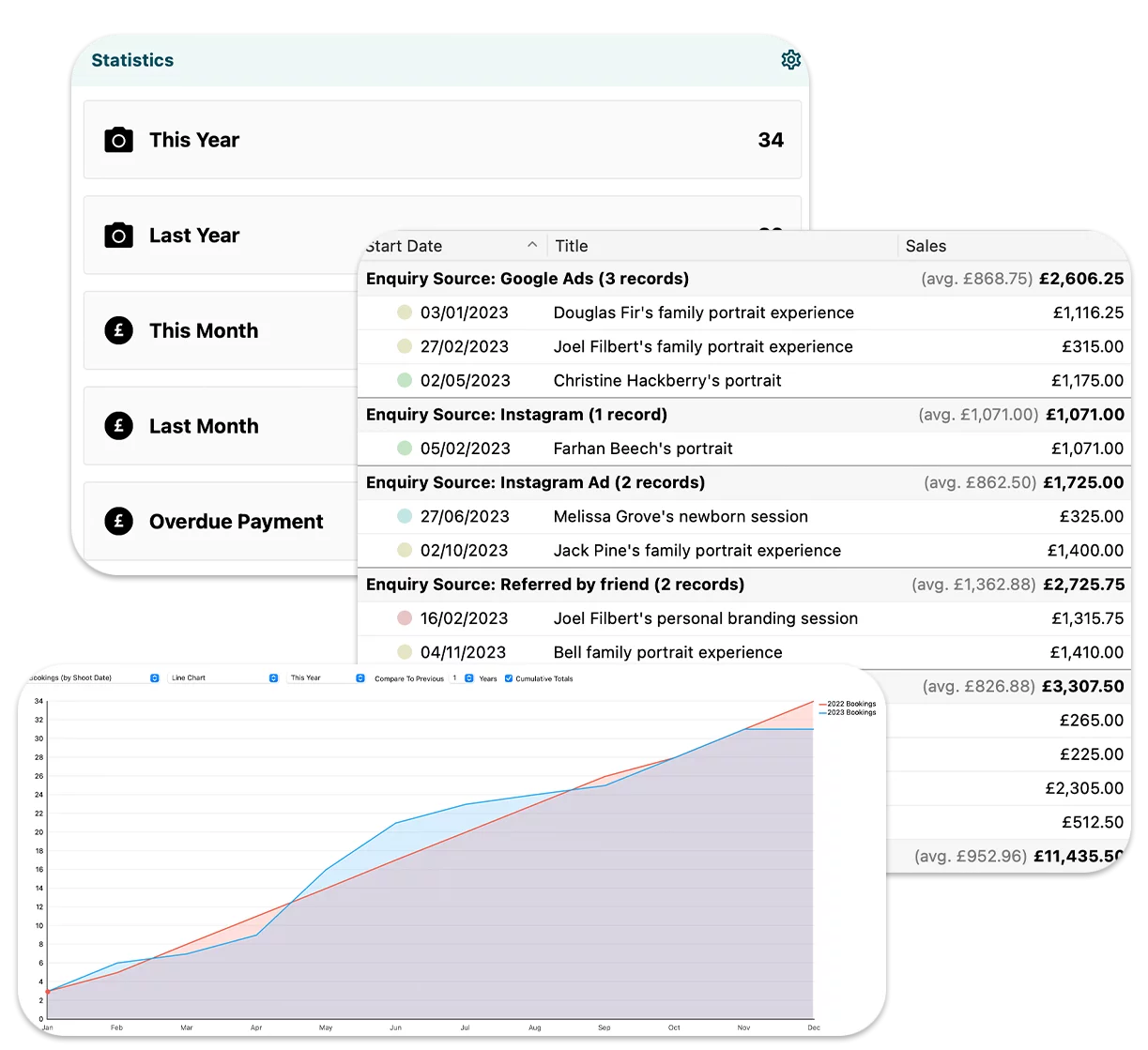
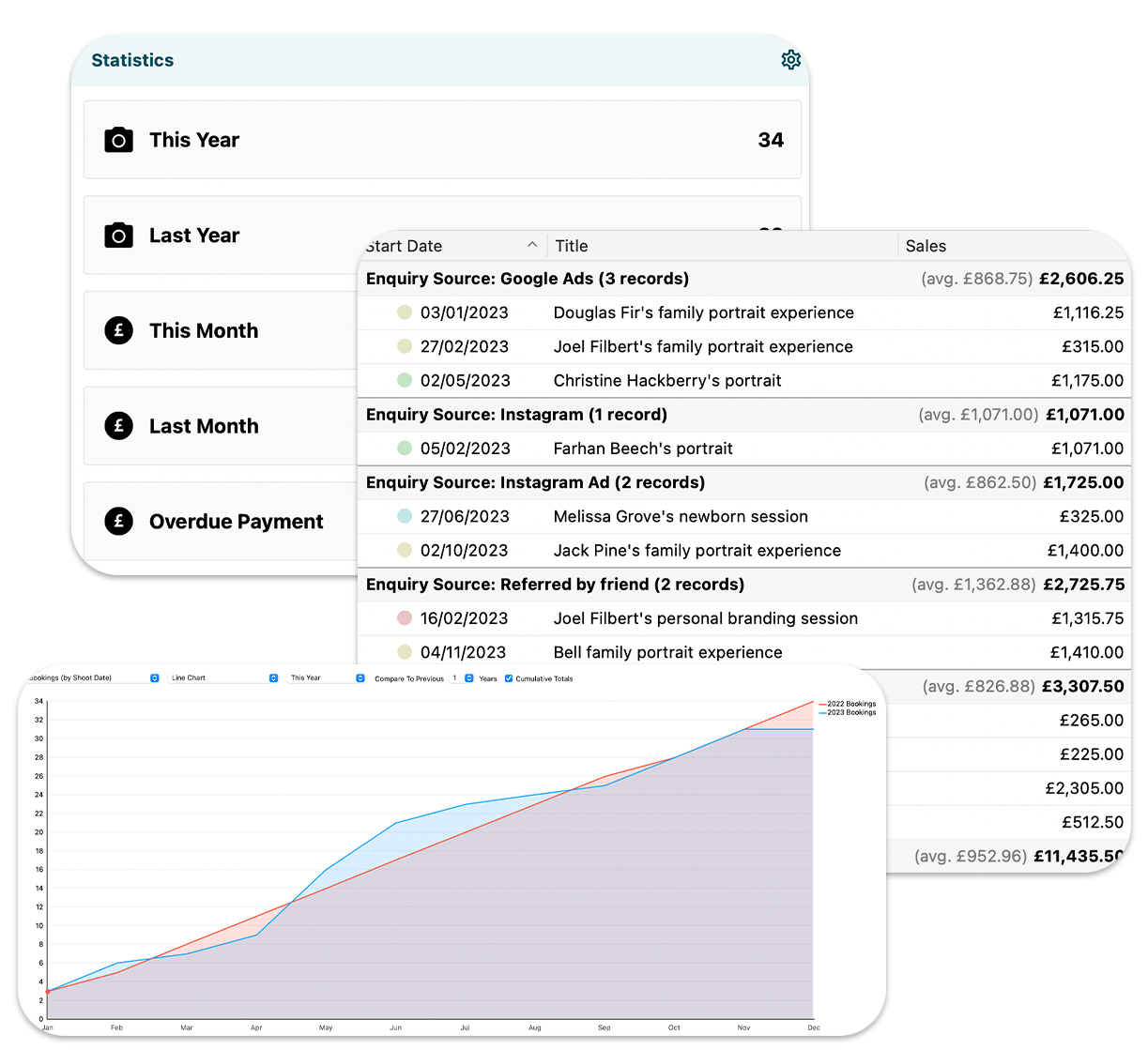
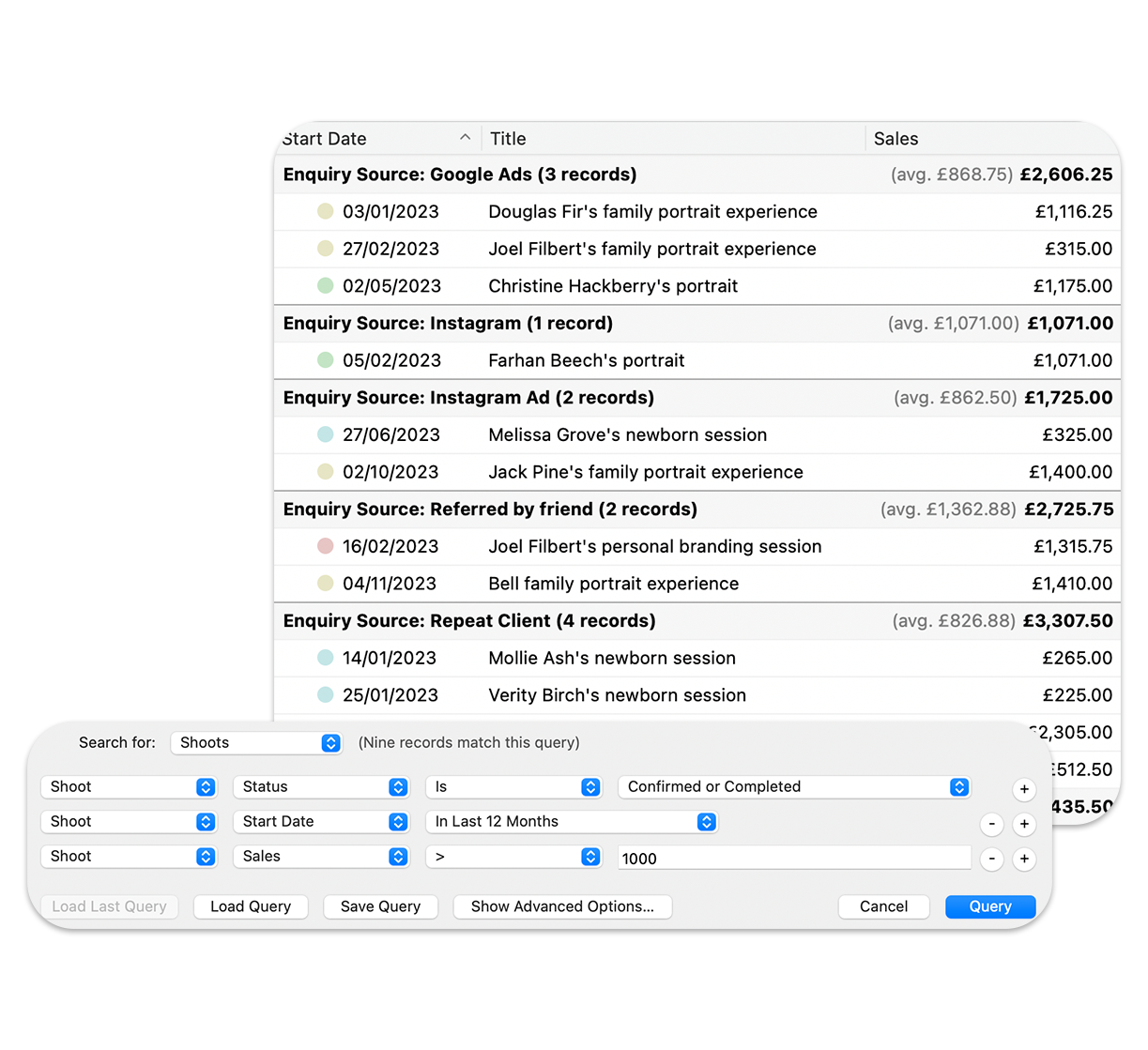
Speed up the process of making money, and keep your business profitable. Light Blue: Photo makes it simple to add new orders, track payments, find outstanding debts, record expenditure or mileage and get an overview of your current position. You can also set up your own price lists so you can quickly add products relevant to orders. Read more
- Keep track of how much you've made - link orders and purchases to shoots and see the totals and profits at a glance.
- Make it easy to add new items to an order - pick products from your own price lists, and use different price lists for different types of shoot.
- Import orders from ProSelect, the market-leading sales tool for professional photographers - no more double entry!
- Create an inventory of your equipment for insurance purposes.
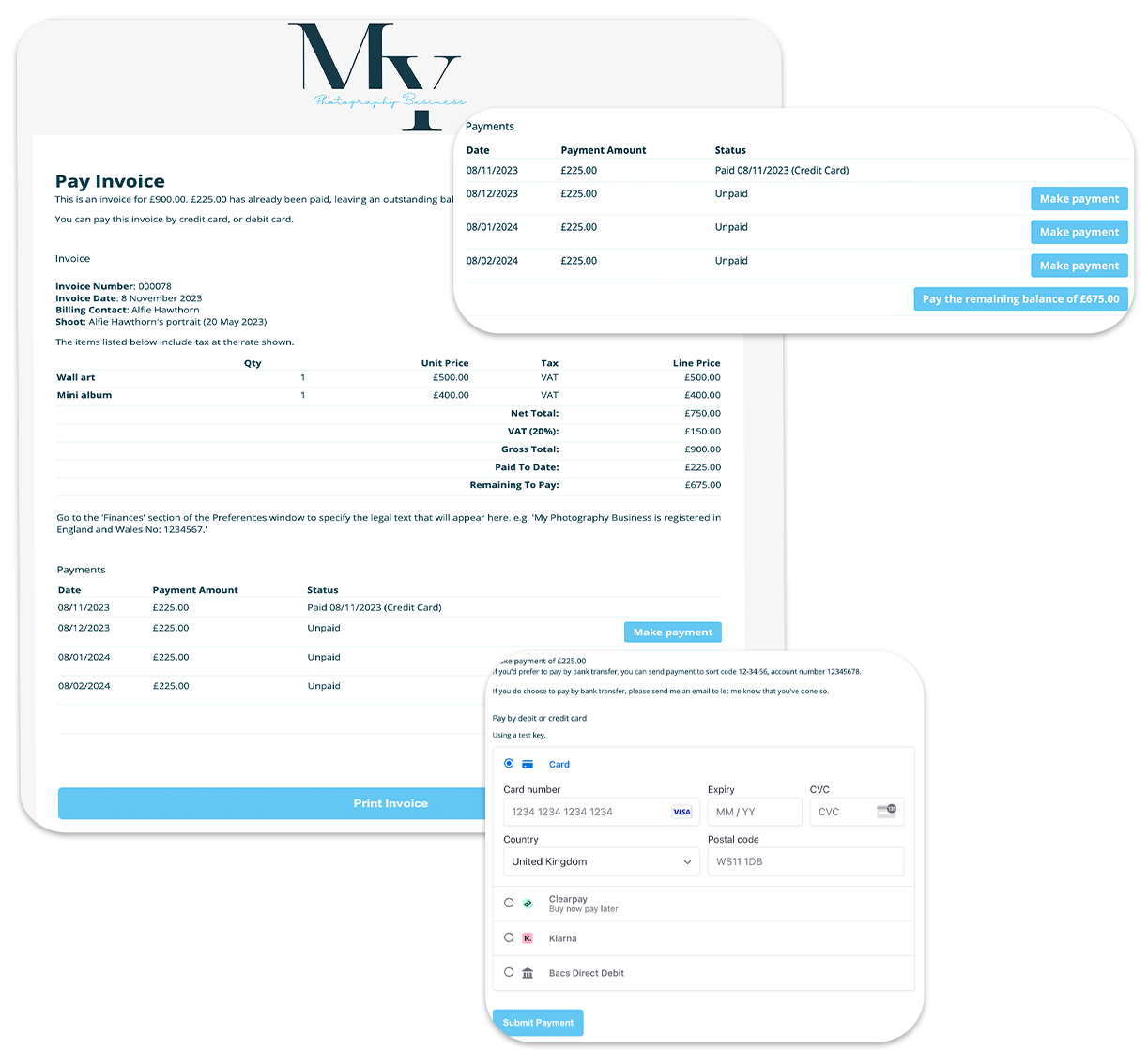
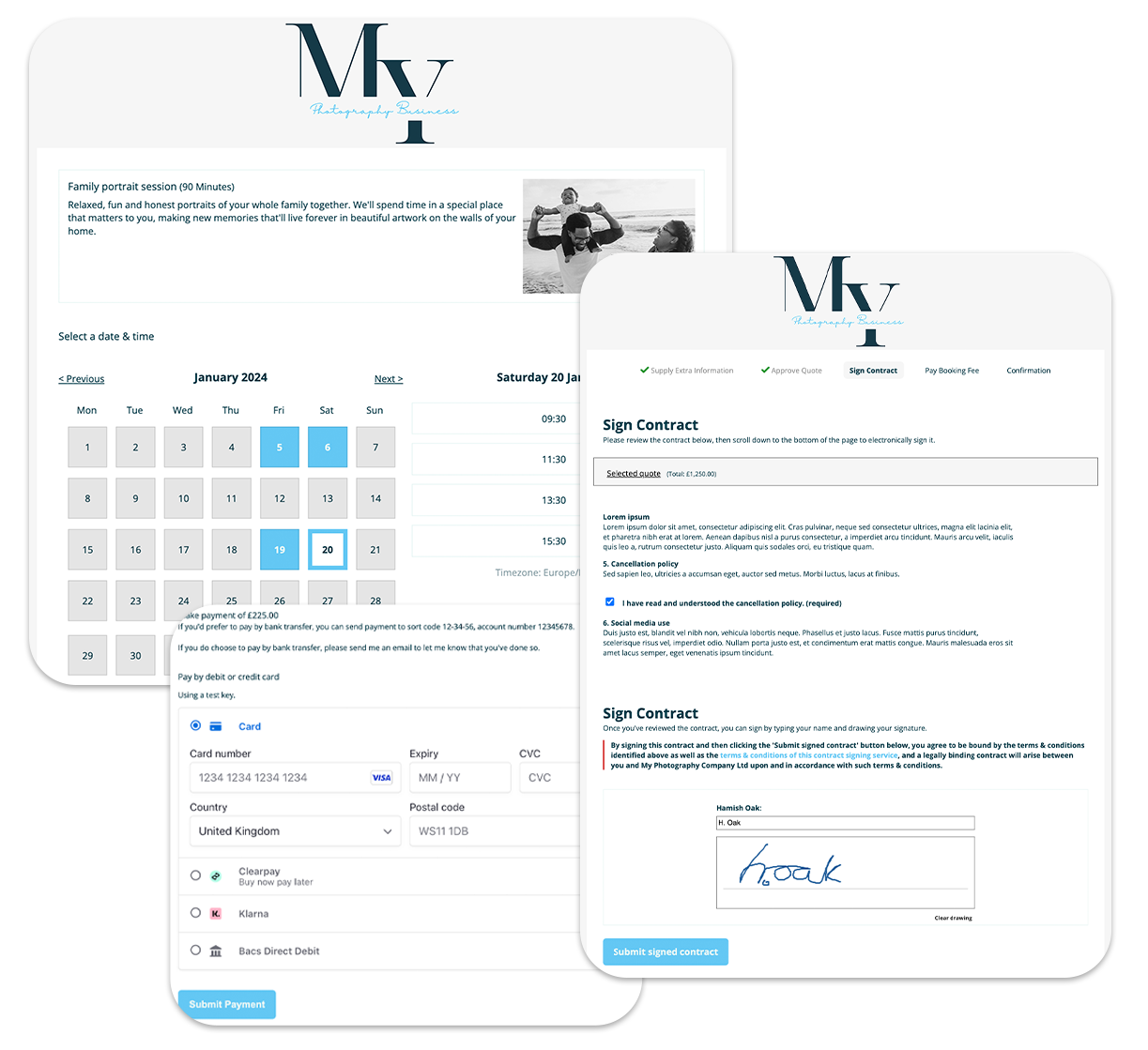
- Present a professional image to your customers - add your own header and footer images and text to Light Blue: Photo's invoices to personalize them. Alternatively, create your own invoice, quote and receipt templates in Word (or your text editor of choice) and have complete control over the look of your documents. You can do all of this without paying extra fees to us for customization.
- Easily deal with multiple payments for the same order, or one payment covering several orders.
- Apply sales tax to your orders with Light Blue: Photo's flexible tax features.
Manage your digital files
Your digital files are some of your most valuable assets, and it's likely that you'll have thousands (or hundreds of thousands) of them. Organising them by hand is boring. Light Blue: Photo can organize the files on your hard drive and links image files to shoots, so they're neatly arranged and easy to find. Read more
- Organize your image files neatly - create folders at the click of a button, import image file details into Light Blue: Photo, and link them to shoots.
- Keep your files in order - Light Blue: Photo can sort your image files for a shoot into chronological order, even if you're using using more than one camera or photographer.
- Keep track of an image file's details (including the date and time taken and the file extensions) in one place, without the need to fish through directories and files.
- Know you're working with exactly the right image - view thumbnails of your pictures within Light Blue: Photo.
- Be sure your files are safe: keep a note of when you backed up or archived a shoot.
- Put an end to hunting through your folders to find images for a shoot - with just one click, extract all of the image files for an order to a neatly-organized folder on your desktop.
Publish your pictures online and profit from them
Light Blue: Photo makes it effortless to create attractive web galleries from sets of pictures, ready to upload to your website. Using Light Blue: Photo's galleries, there's also the option to make money from your pictures on your own website, without having to shell out for a separate shopping cart system. (You'll need a PayPal account for some of these features, but PayPal accounts are free.) Read more
- Use one of the sleek templates which come with Light Blue: Photo to generate attractive web galleries with just one click or, if you prefer, produce previews to upload to the gallery system you use.
- Protect your images from unauthorized use - add your own watermark to your web galleries.
- Make money from your own site without paying monthly fees or writing code - integrate your galleries with PayPal's industry-standard shopping cart system simply by entering your PayPal username into your copy of Light Blue: Photo.
- Import your own web gallery templates to fit in with your site's design, using our simple system of tags to place all of the elements exactly where you want them.
- Have a look at a sample of one of the gallery layouts...
Do it your way
We've designed Light Blue: Photo to be easy to customize, without additional fees. Changed your branding? No problem. You can update your logo or contact information or add new invoicing information in a few minutes. Adding new letter templates or brochures to send to clients is a piece of cake, and you can even make your own web gallery templates to match your website. Read more
- Use Light Blue: Photo's localisation settings to work with the date formats, paper sizes and currency you're used to.
- Keep track of things the way you want to - create your own workflows, shoot types and price lists.
- Light Blue: Photo adapts to you - drop-down lists that speed data entry automatically update themselves based on the information you enter.
- Update your branding in seconds, without any additional fees - add your own header and footer images and personalized text to Light Blue: Photo's invoices. Alternatively, create your own invoice, quote and receipt templates in Word (or your text editor of choice) and have complete control over the look of your documents. You can do all of this without paying extra fees to us for customization.
- Add your own custom templates, including brochures, letters, forms and emails, then mail-merge them to create personalized communications that look how you want them to look, not how we think they should be.
- Customize your web gallery templates to fit in with your site's design, using our simple system of tags to place all of the elements exactly where you want them.
Enjoy running your business
Let's face it: you have to spend time organising your shoots and keeping on top of what you're doing. We've designed Light Blue: Photo to be intuitive and pleasing to the eye, to put a little bit of joy back into the soulless world of admin. We've built it using FileMaker, the robust, industry-leading database engine, which means you can effortlessly manage your information. Read more
- We don't presume that just because you're a photographer, you run a Mac. We've made Light Blue: Photo cross-platform, so it'll run on Windows XP, Windows Vista, Windows 7 or Mac OS X 4.11 and higher.
- You don't have to slog your way through the documentation before you get started. If you're looking for some pointers, we've put together a series of video tutorials, and produced written versions in their own section of the manual which comes with the download. Of course, there's also a more detailed section of the user manual, which goes through everything you can do in Light Blue: Photo.
- Light Blue Software is a small, responsive company, not a soulless corporation. If you send us an email asking about a feature, or suggesting a new way of doing something, you'll get a reply from a real, live person, not a machine.
Don't just take our word for it
We could go on all day about how brilliant we think Light Blue: Photo is - but then you'd expect us to, really. However, we're not the only Light Blue: Photo groupies - we've had lots of people say that they think it's the best thing since sliced bread. Have a look at a selection of their comments... Read more
- "Light Blue: Photo ticks all the boxes with regards to what I want it to do, and there are no compromises. You can tell that it's been designed by working photographers." - Ian MacLachan, wedding photographer
- "Light Blue: Photo is the management software equivalent of Photoshop. It's designed to give you everything you need and yet can do much much more; there's very little that you are left wanting for." - James Davidson, wedding photographer
- "I just adore Light Blue: Photo - I'm going to recommend it to all my photographer friends! Thanks for developing such fabulous software to make my life easier!" - A Real User, by email
- "Light Blue: Photo has transformed my normally chaotic office into a vastly improved workplace and it's the best investment I have made this year." - Charles Haines, photographer
- "Really easy to use - so much better than anything I've tried before..." - Maria Murray, award-winning photographer
- "Light Blue: Photo is fab, and the customer service is fast and friendly..." - A Real User, by email
- "I firmly believe that success in business as a photographer is in large part down to your business skills, and I can really see how Light Blue: Photo can give you a little bit of an edge in being more business-like." - Zoe Richards, photographic trainer